Educational games on Roblox: where the Learn tab is and what is in it
There is a hidden tab in the app with dozens of educational games from recognised providers — computer science, arts, maths, life skills and brain games. Here is where it lives, what is inside, and why it does not show up on the home page.
Produced with AI from the sources cited below and checked by automated verification against those same sources. After it was published, the editor read the full text. · Reviewed by Gustavo Cantino, 11/11/26 Editorial Policy
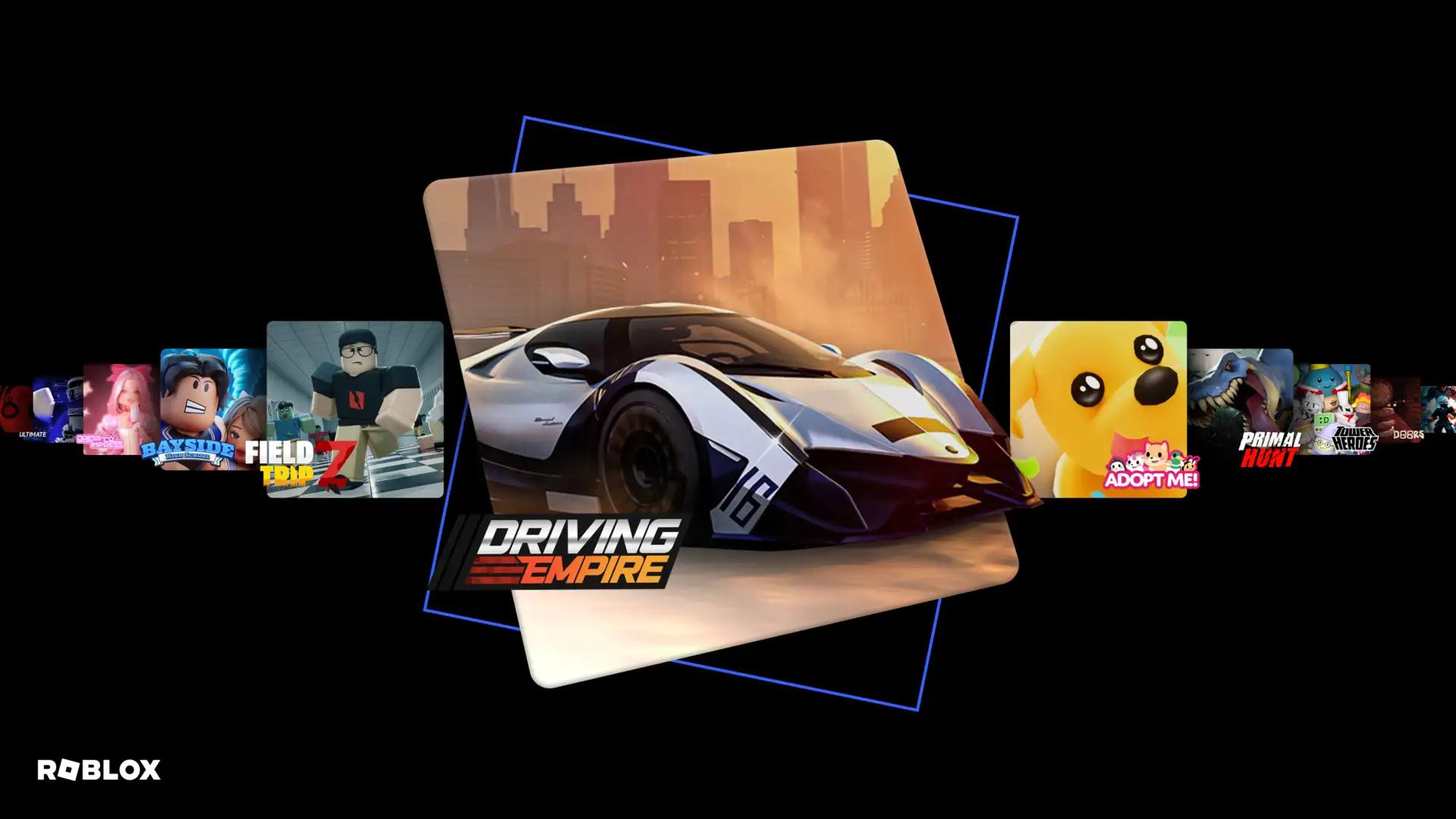
There is a part of Roblox almost nobody opens that settles a recurring argument at home: the Learning Hub, a tab with dozens of educational games made by recognised providers and developers in the field.
This piece says where it lives, what is inside, and — honestly — what to expect from it and what not to.
The short answer
The Learning Hub gathers dozens of educational experiences and games, organised by subject. The topics covered include computer science, arts, maths, life skills and brain games, with content pitched by subject and by school level.
Some of the games cited in the announcement give an idea of what is there: Words of Power, for testing vocabulary; Math Tower Race, for maths; Ecos: La Brea, which shows how the planet looked millions of years ago; and Sesame Street Mecha Builders, for practising science and technology skills. There was also a BBC Bitesize geography game announced for later, called Planet Planners.
The route is short and it is why almost nobody finds it: tap the More tab — on desktop or mobile — and look for the Learn icon.
How to reach the tab, step by step
- Open the Roblox app, on desktop or mobile.
- Look for the More tab. On mobile it is usually in the bottom right corner.
- Inside it, look for the Learn icon.
- From there, browse by subject.
Two practical tips. First: go in through the hub, not through search. Searching for an educational game's name directly mixes the original with copies and with games that merely have a similar name. Second: if you are choosing for a child, go in alone first. Five minutes in a game is enough to know whether the level is right — and the subject label does not tell you that.
What is in the hub, by subject
The table gathers the subjects, the games cited and the route in.
It is worth noting what this list is not: it is not a teaching platform with a syllabus, tests and a certificate. They are games, made by people who work in education, grouped in one place. The stated promise is learning through play, with content pitched by subject and level — not replacing school.
That sets the right expectation. A vocabulary game will not teach English from scratch; it will drill somebody already learning. A maths game does not replace the lesson; it makes the child practise without noticing they are practising.
The catches
The tab is hidden, whether deliberately or by accident. It does not appear on the home page, and the recommendation system does not tend to push educational content. If nobody goes there, nobody finds it.
Language. Much of this is made in English. For somebody studying the language that is a bonus; for somebody who does not read English it is a real barrier. Check before recommending.
Educational does not mean no chat. Each game follows the platform's normal rules. Chat settings and age restrictions still apply.
A school level is not a guarantee of suitability. The label gives the subject and the band, not how good the game is. Some are excellent and others are exercises dressed as games.
The list changes. The hub was announced in 2025 and games come and go. A title cited here may no longer be there, and better ones may have arrived.
It is not an argument on its own. "I am playing an educational game" is still screen time. The conversation about routine does not change because the subject is maths.
What to do next
If you are a guardian and have already argued about time spent playing, the Learning Hub is the closest thing to a middle ground the platform has. Not because an educational game is worth more than an ordinary one, but because opening that tab together with the child changes the tone: you start choosing together instead of negotiating a limit.
If you play and exams are coming, it is worth trying the vocabulary one and the maths one. They are short, and the sense of drilling without studying is real.
And if you are curious, the one reconstructing the planet millions of years ago is the most interesting on the list for anyone not after an exercise at all — it is more of a walk than a lesson, and it is the kind of thing that only exists because somebody built it for the platform.
One final observation on why this tab matters more than its size suggests. Roblox is frequently accused of being only entertainment, and its educational side almost never appears in the debate — largely because it sits behind two taps nobody takes. Knowing it exists does not settle the argument, but it changes who is right about which part of it.
And one thing worth saying about the format of these games, because it explains why some work and others do not. A good educational game is a game first and content second: the subject is built into the mechanic, and the child practises because they need to in order to progress. A bad one is an exercise with a pretty button: the subject arrives in a question box that interrupts the game, and the child notices within two minutes.
That distinction is the one thing worth carrying away, because it lets you judge a title in a couple of minutes without knowing anything about the subject. Play it yourself and ask where the learning sits. If you could remove the questions and still have something playable, the content is decoration. If removing them leaves nothing, the content is the game — and that is the kind a child comes back to without being asked.
It also explains why the hub is worth browsing rather than searching. Searching assumes you already know which title you want, and the names here mean nothing to most people. Browsing by subject and opening three lets the format do the sorting for you: within five minutes you can usually tell which of the three is a game and which two are worksheets.
And if none of the three works, that is information too. A subject with no good game in it is better skipped than forced — the child who was going to resent a badly disguised worksheet will resent it in any setting, and there is no shortage of other subjects in the hub to try instead.
Sources
Ready-to-use artifact
| Subject | In the hub |
|---|---|
| Computer science | yes |
| Arts | yes |
| Maths | yes |
| Life skills | yes |
| Brain games | yes |

| Game cited | What it works on |
|---|---|
| Words of Power | vocabulary |
| Math Tower Race | maths |
| Ecos: La Brea | how the planet looked millions of years ago |
| Sesame Street Mecha Builders | science and technology skills |
| Planet Planners (BBC Bitesize) | geography, announced for later |

| How to get there | Where |
|---|---|
| On desktop or mobile | the More tab, then the Learn icon |

Content checked against the official announcement of 21/07/2025, verified on 23/09/2026. Source: about.roblox.com/newsroom/2025/07/roblox-learning-hub-for-educational-experiences